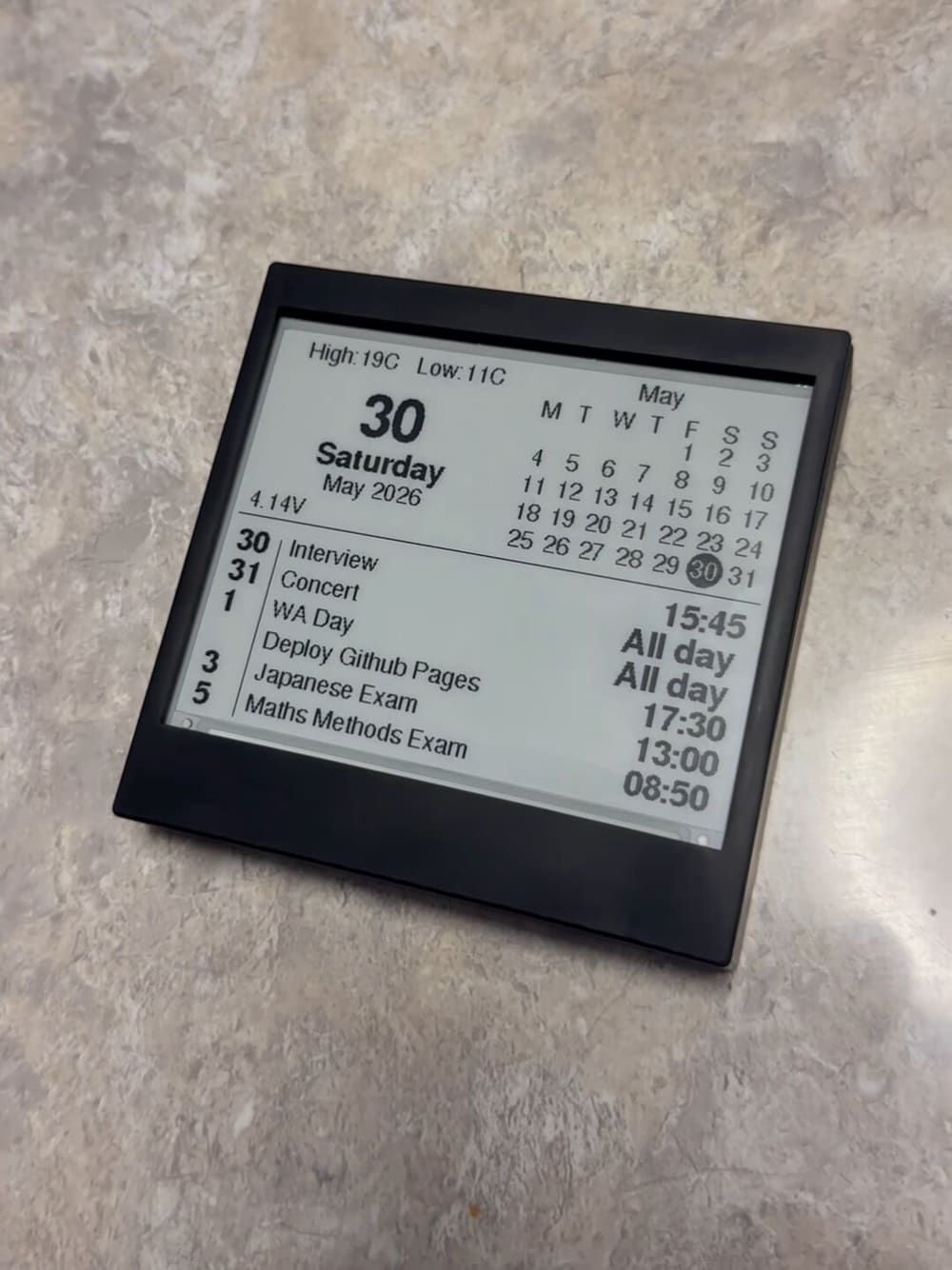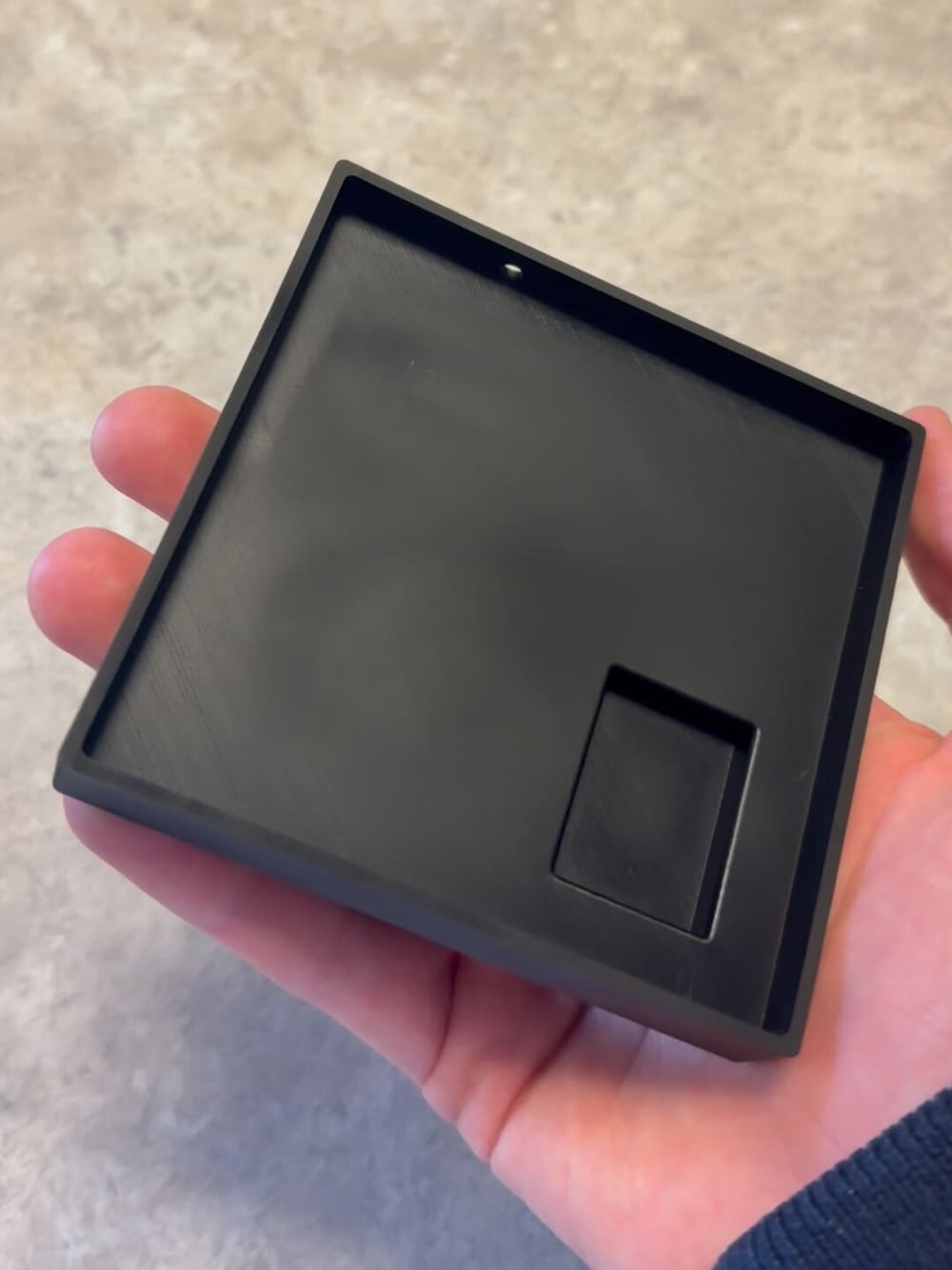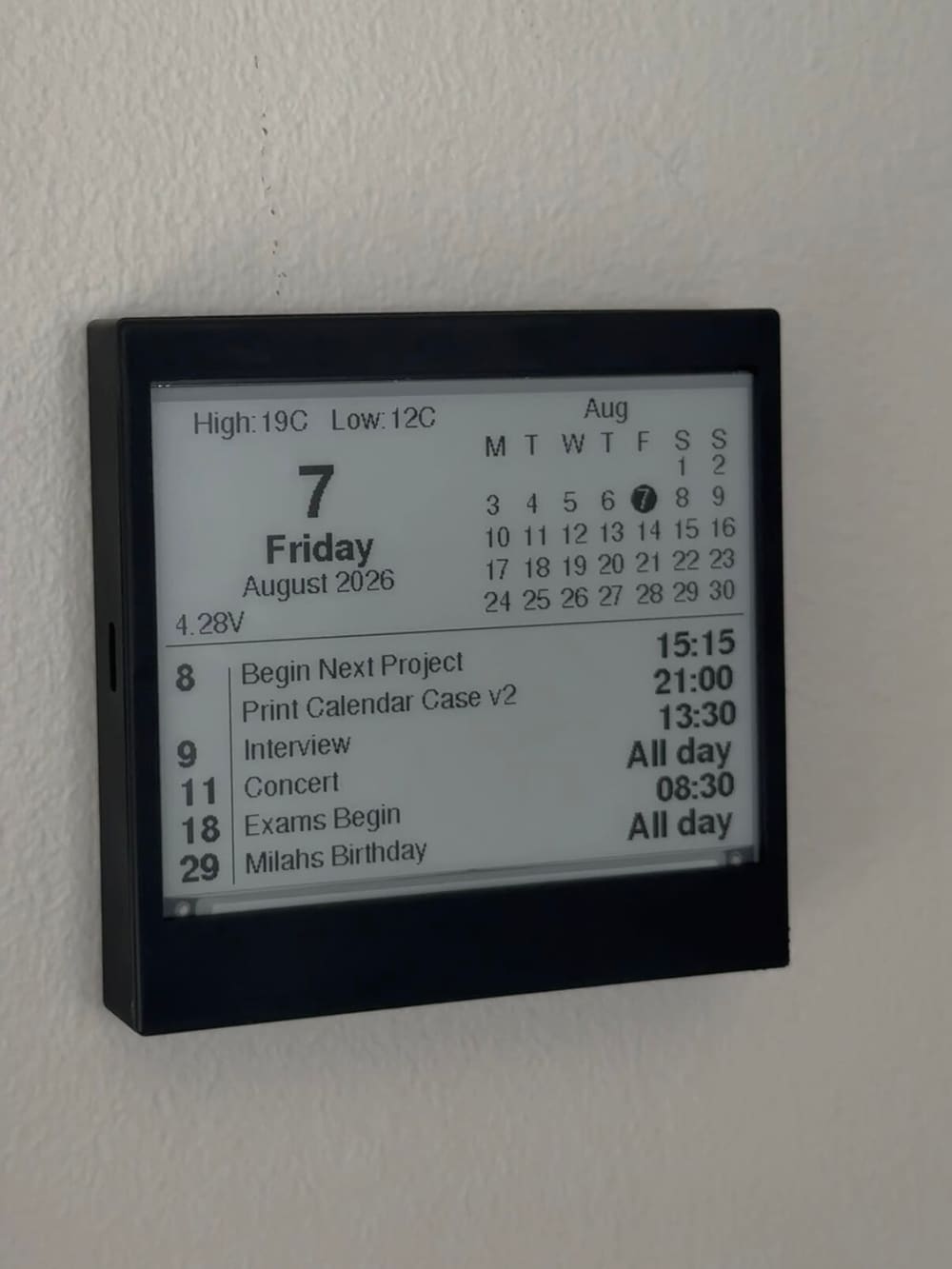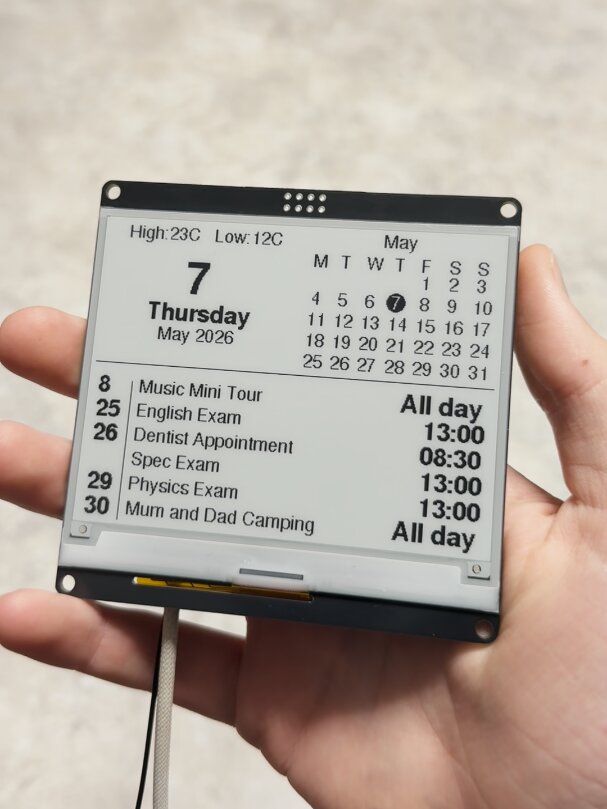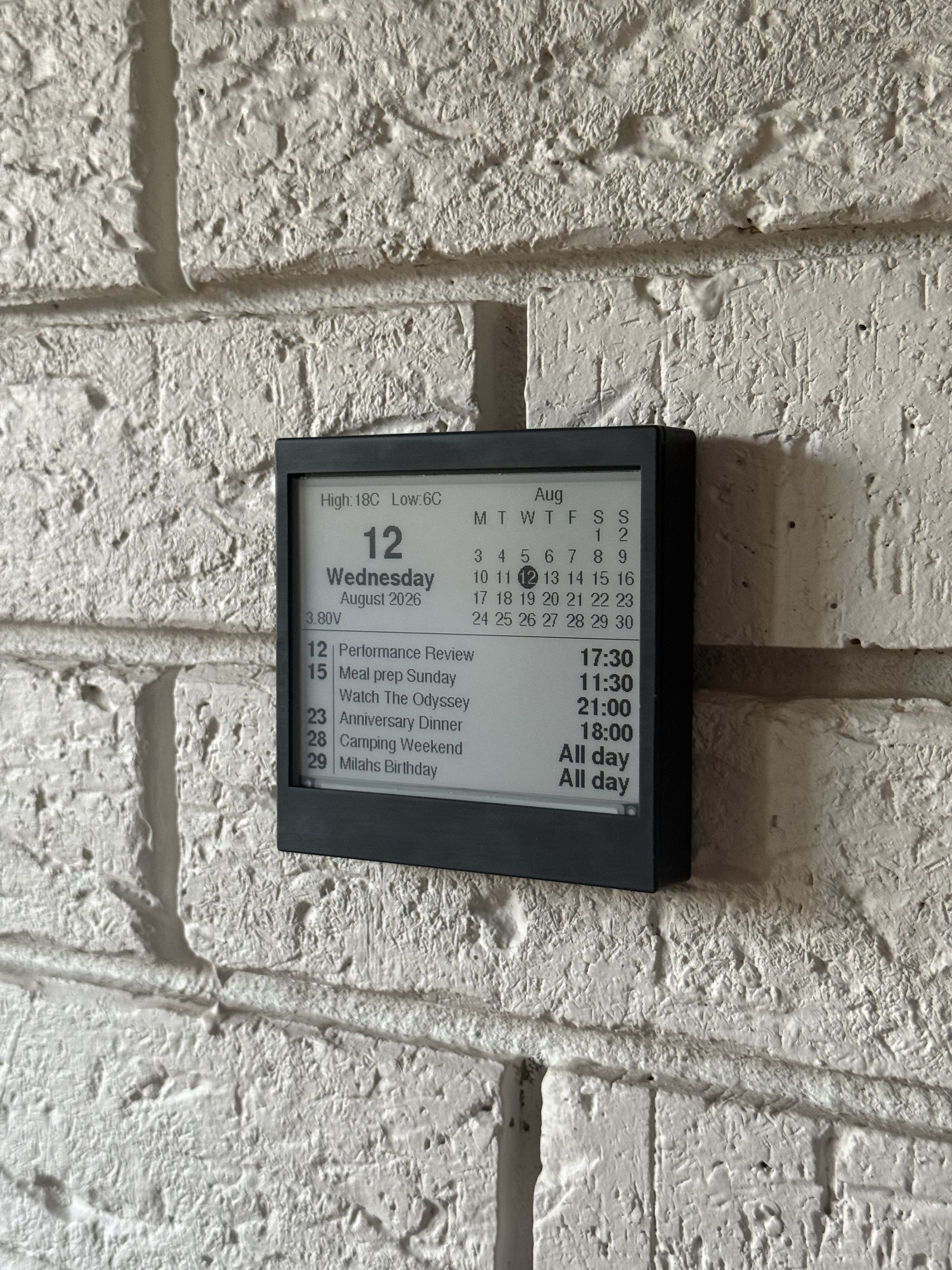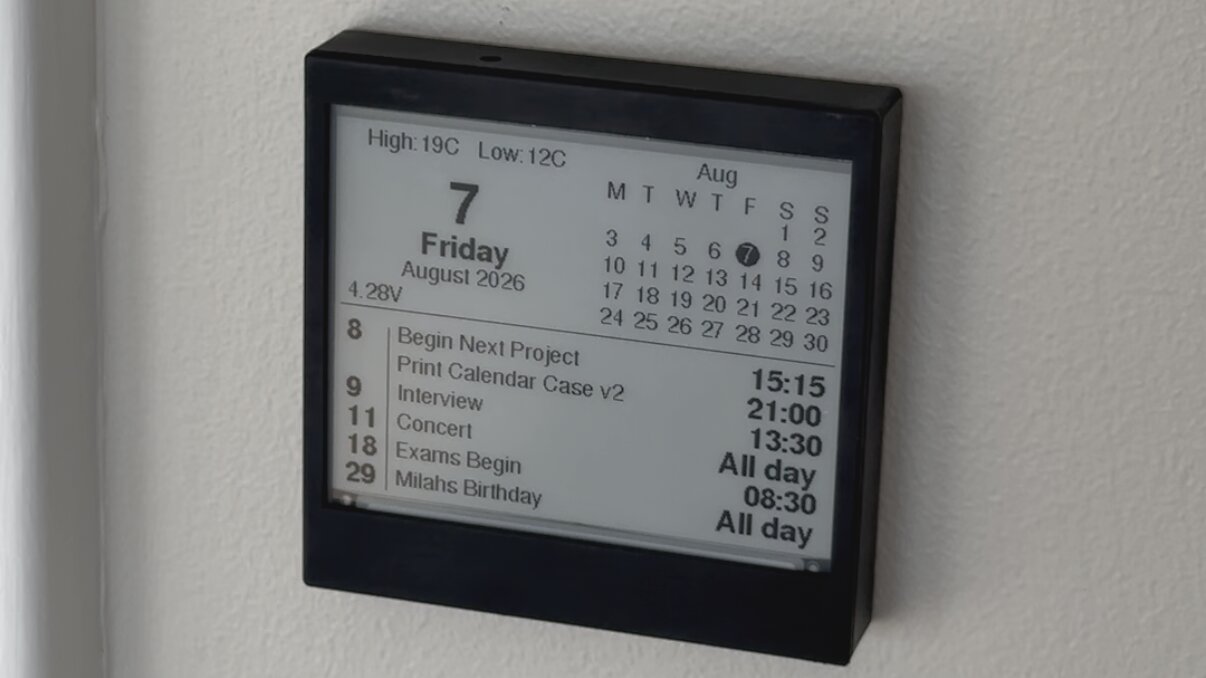
A low-power e-ink display that syncs with Google Calendar, built for months of unattended battery life. Mount it on the wall or leave it on a desk, and it shows your upcoming events at a glance, without needing to unlock your phone.
Make it yours
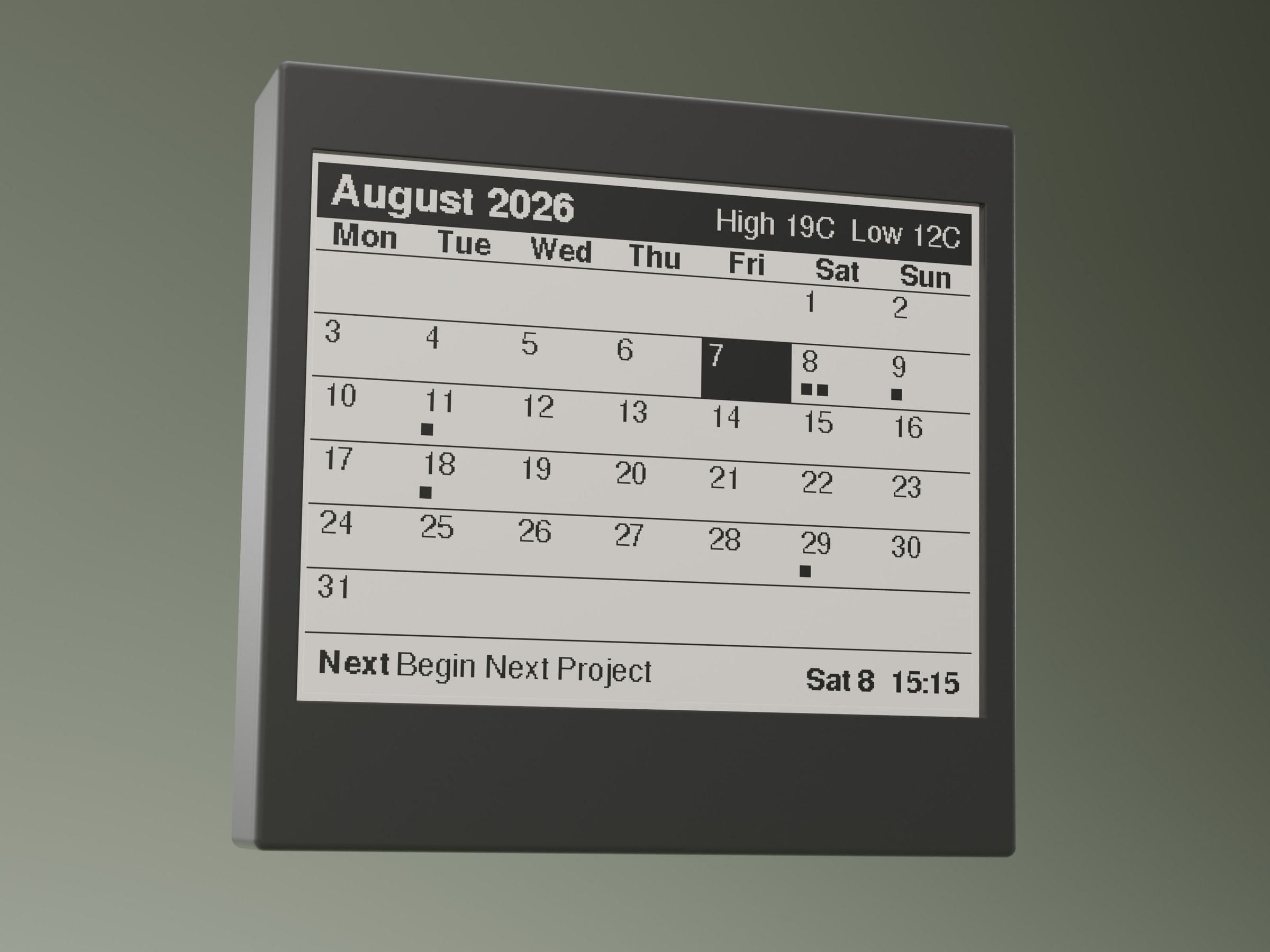
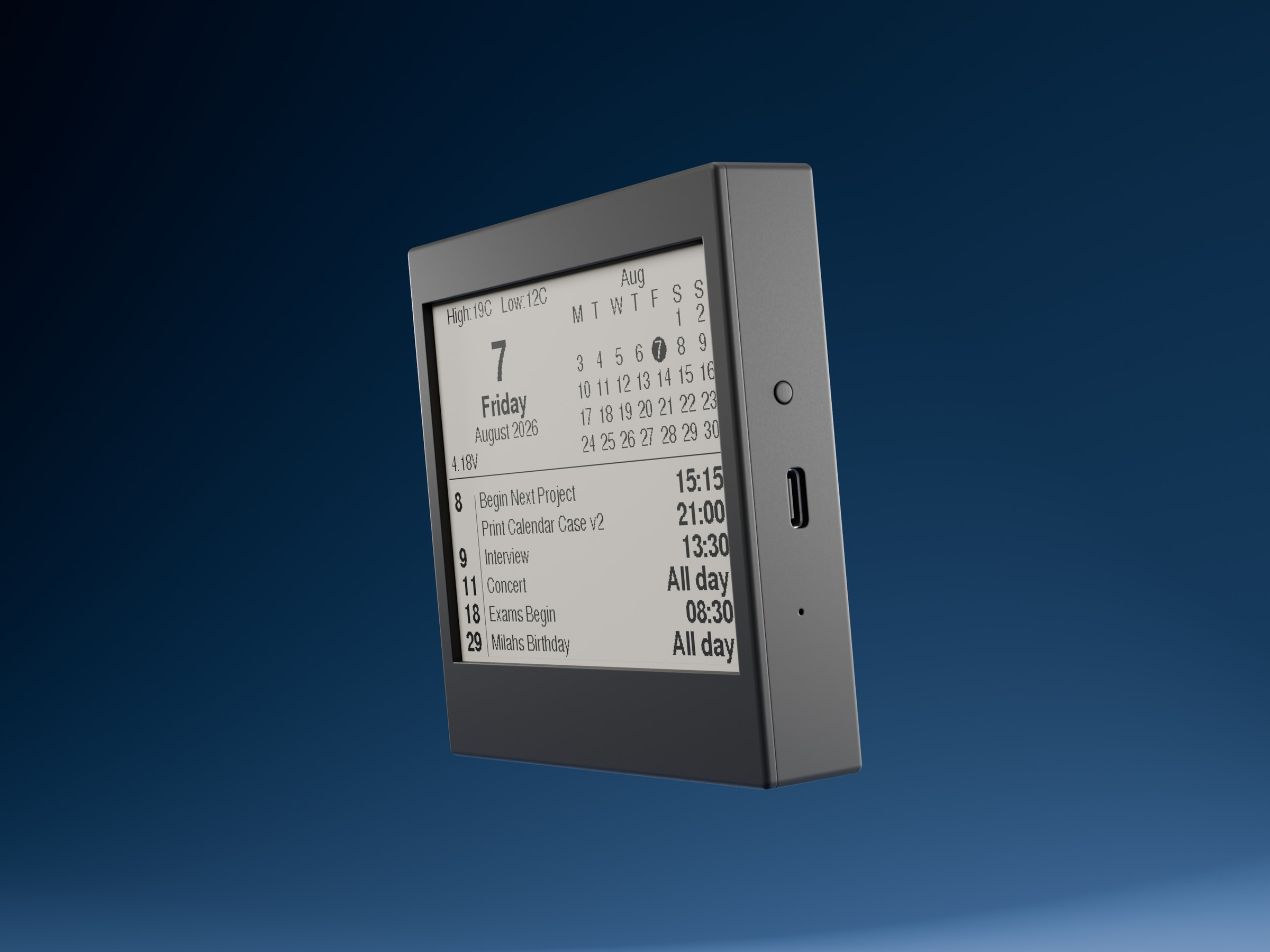
Pick from five layouts: Agenda, Month, Big date, Week and Next up. Each one shows your schedule differently, so you can choose whichever suits the spot it lives in. There’s also a dark mode if you’d rather have white on black.
Everything is controlled from a dashboard on this website. Sign in and you can change the style, turn dark mode on or off, choose which calendars appear, and give each calendar a name. If you have more than one, they all live in the same dashboard. Change something and the calendar picks it up by itself at midnight, or press the button on the calendar to see it within a few seconds.
You can also add your city to show the day’s high and low temperature on the screen. It’s completely optional.
How it connects to your Google Calendar
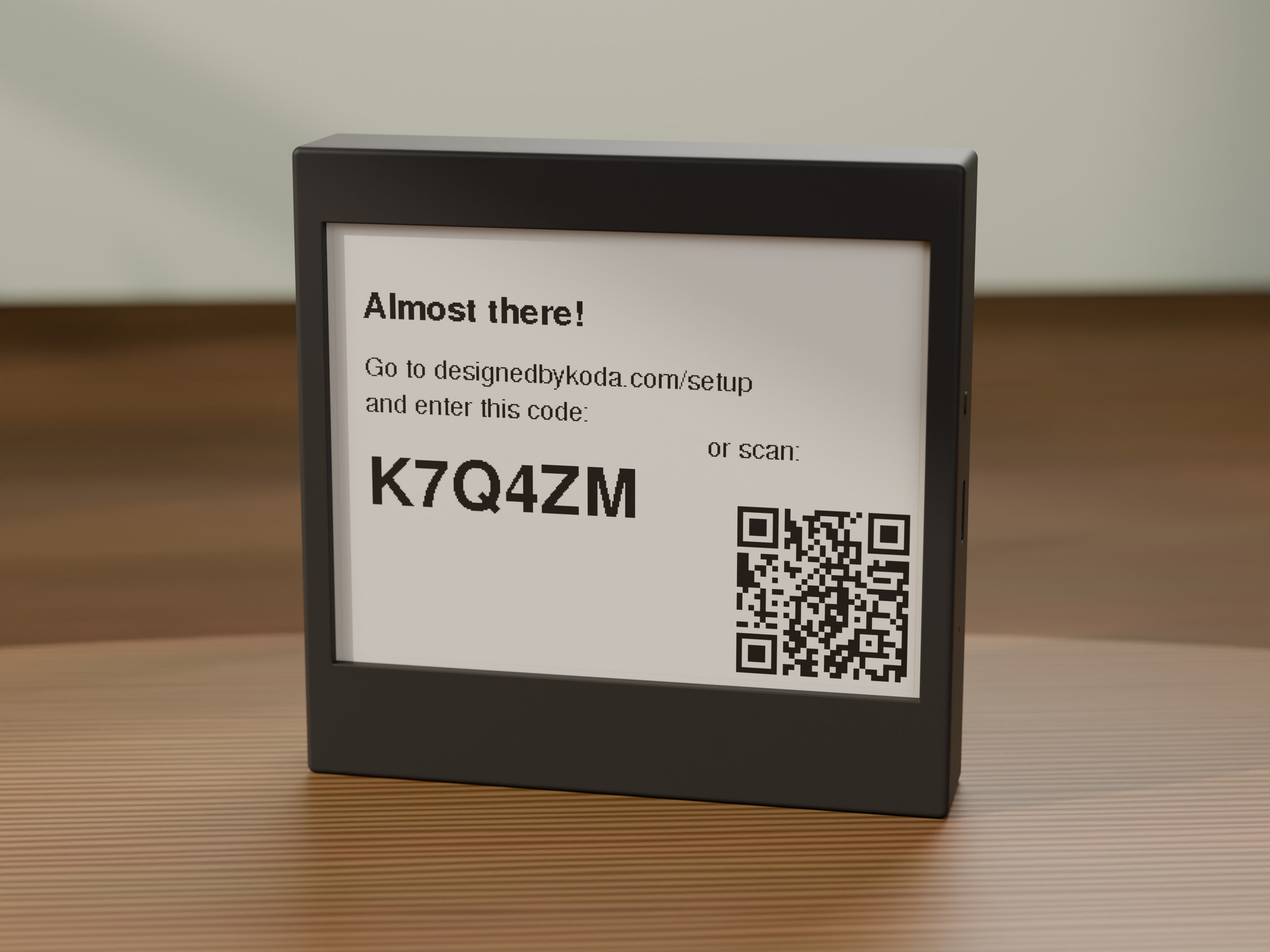
Setting up the device involves signing in with your Google account. During sign in, you choose which calendar you want the device to display, including a shared or family calendar if you prefer. The device then fetches your upcoming events from that calendar and shows them on its screen.
Access is read only. The device can see upcoming events, but it cannot create, edit, or delete anything in your calendar. Your calendar data is used only to display your schedule on your own device and is never shared with anyone else. You can unpair a device, or delete your account and data, at any time from the dashboard.
Full details on what is collected and how it is used are available in our Privacy Policy.
Features
- Five layouts: Agenda, Month, Big date, Week and Next up
- Dark mode (white on black)
- Pulls events from Google Calendar, including shared or family calendars
- Pick which calendars show, and name each one
- Optional daily high and low temperature for your city
- Manage multiple calendars from one dashboard, and change anything from your phone or computer
- Updates automatically every day at midnight, or press the button to refresh straight away
- E-ink display for near-zero idle power draw
- Tested 3–4 months of battery life per charge